Description
GoldGuardian EA for MetaTrader 5
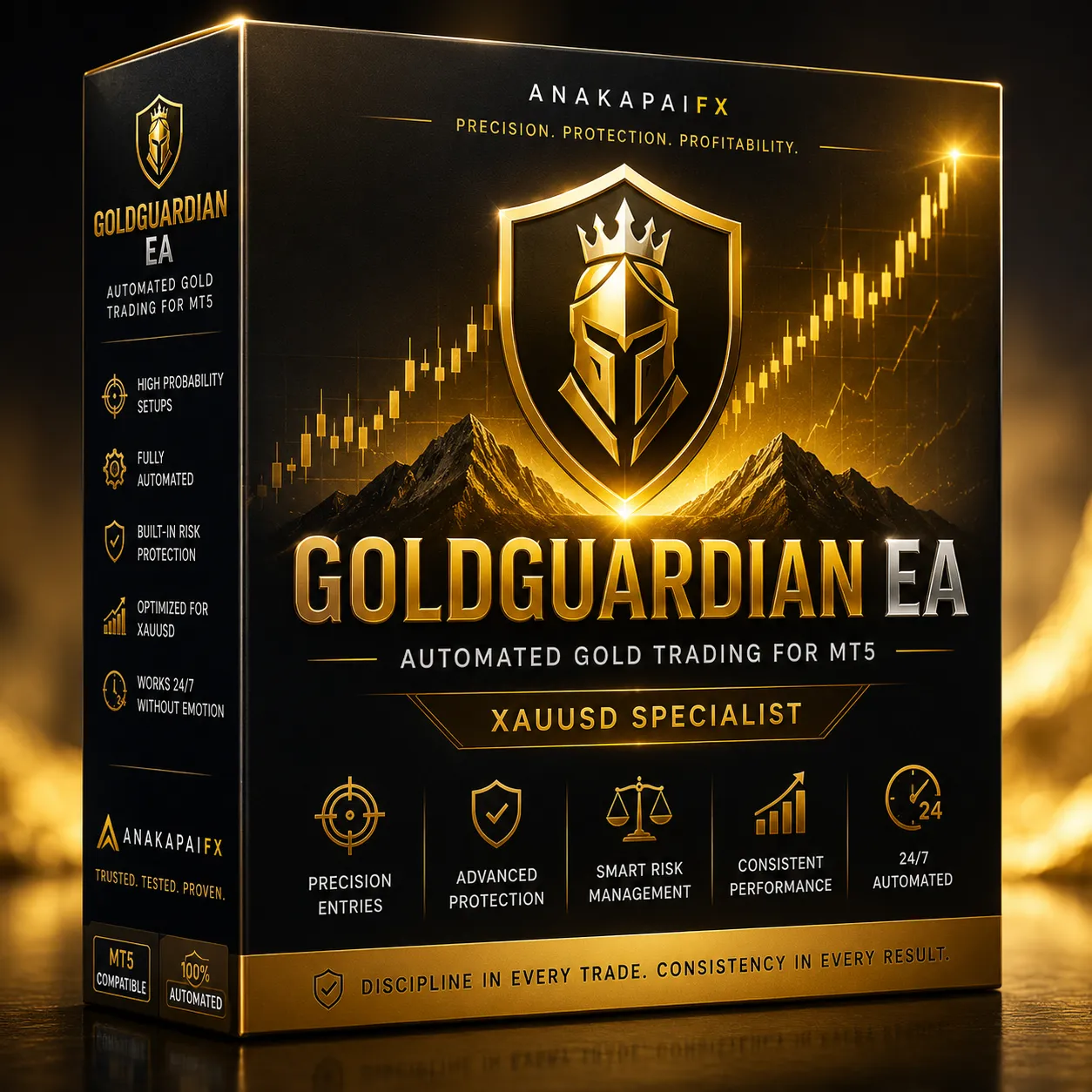
GoldGuardian EA is an automated gold trading Expert Advisor developed for MetaTrader 5. It provides a structured trading system for XAUUSD using pending-order execution, basket management, configurable recovery logic and an informative on-chart dashboard.
The Expert Advisor is designed for traders who want to automate trade execution while maintaining control over lot sizing, trading sessions, spread conditions and account-risk settings.
Each purchase includes secure licensing for up to three MT5 trading accounts, instant access to the product package and complete setup documentation.
How GoldGuardian EA Works
GoldGuardian EA places Buy Stop and Sell Stop pending orders using an OCO-style trading structure. When one trading direction becomes active, the opposite pending order is removed so the EA can manage the selected basket.
If the market moves against the active position, the EA can open additional recovery positions based on the configured grid distance and lot-sizing method.
The system supports:
- Fibonacci lot progression
- Martingale lot progression
- Initial lot control
- Maximum grid levels
- Maximum lot protection
- Dual-step grid distance
- Basket take profit
- Optional basket stop loss
- Individual stop loss
- Break-even management
- Optional trailing stop
Users should understand that grid, recovery and Martingale methods can increase trading exposure. Always use suitable capital, conservative settings and proper risk management.
Dual-Step Grid Management
GoldGuardian EA includes a dual-step grid system.
The first grid distance manages the early recovery levels. After the configured switch level is reached, the EA can automatically change to a wider second grid distance.
This allows the recovery structure to adapt when the number of active positions increases.
Available controls include:
- First grid distance
- Second grid distance
- Grid switch level
- Maximum grid positions
- Maximum permitted lot size
Basket Management
Instead of managing every position independently, GoldGuardian EA calculates a common basket target using the weighted average entry price of the active positions.
The basket-management system includes:
- Common basket take profit
- Weighted average entry calculation
- Floating profit monitoring
- Total basket lot monitoring
- Optional basket loss limit
- Automatic pending-order removal
When the basket target is reached, the EA closes the active basket and prepares for the next trading cycle.
Trading Sessions and Market Filters
GoldGuardian EA provides four configurable trading sessions. Each session can be enabled or disabled according to the user’s preferred broker-server time.
Additional controls include:
- Maximum spread filter
- Pending-order expiration
- Friday trading control
- Allowed slippage
- Magic number identification
These controls help prevent the EA from opening new orders outside the configured trading conditions.
Risk Management Controls
GoldGuardian EA includes optional account and basket protection settings.
Available controls include:
- Maximum drawdown from peak equity
- Maximum drawdown from account balance
- Daily floating-loss limit
- Basket stop-loss amount
- Individual position stop loss
- Maximum lot limit
- Maximum recovery levels
- Break-even function
- Trailing-stop function
Risk controls must be configured carefully. Enabling a protection feature does not remove trading risk or guarantee that losses will remain within a specific amount during fast markets, slippage, gaps or abnormal broker conditions.
Professional MT5 Dashboard
The built-in GoldGuardian dashboard displays important trading information directly on the MetaTrader 5 chart.
The dashboard can show:
- License status
- Current trading state
- Balance and equity
- Free margin
- Margin level
- Daily profit or loss
- Trading method
- Number of active positions
- Pending orders
- Current spread
- Basket direction
- Floating basket result
- Total active lot size
- Average entry price
- Common basket target
- Current recovery level
- Active grid distance
- Current trading session
The dashboard can be repositioned and resized through the EA input settings.
Secure Three-Account Activation
Each GoldGuardian EA purchase includes one license that can be activated on a maximum of three MT5 trading accounts.
The customer receives a unique license key after successful payment. The license key is entered in the EA settings when attaching GoldGuardian EA to the MetaTrader 5 chart.
License activation is controlled through the secure online licensing system connected to the customer account.
What Is Included
Your purchase includes:
- GoldGuardian EA compiled EX5 file
- Default Setting SET file
- Panduan Penggunaan in Bahasa Malaysia and English
- Installation Guide in Bahasa Malaysia and English
- License activation for up to three MT5 accounts
- Customer download access
- Product updates while the license remains eligible
The editable MQ5 source code is not included.
Installation Requirements
GoldGuardian EA requires:
- MetaTrader 5 desktop terminal
- An active MT5 trading account
- Algo Trading enabled
- Internet connection
- WebRequest permission for
https://anakapaifx.com - The supplied license key
- The recommended symbol and setup stated in the included guide
Always test the EA on a demo account before using it on a live trading account.
Important Risk Notice
Trading foreign exchange, gold and leveraged financial products involves substantial risk. GoldGuardian EA does not guarantee profit, fixed monthly returns or protection from losses.
Grid, Fibonacci and Martingale strategies may increase exposure as additional positions are opened. Market gaps, high spreads, slippage, server interruption and unexpected volatility may produce losses greater than expected.
Only trade with funds you can afford to lose. Past backtest or live performance does not guarantee future results.


Reviews
There are no reviews yet.